
Prepare a GIF for your platform
Platform limits and recommended compression targets are different. Check the limit shown in your account before uploading.
| GitHub | GitHub caps drag-and-drop issue and PR GIF attachments separately from repository social preview images.
|
|---|
Last verified:
How to use this tool
- Drop your terminal or UI demo GIF into the tool (2MB target is preselected).
- Compress locally in your browser and inspect code/menu legibility.
- If text blurs, crop unused desktop space first instead of shrinking width.
- Drag the downloaded GIF into a GitHub issue/PR box to get a hosted URL, or automate with our API/MCP.
GitHub GIF limits: README, PRs, and Social Preview
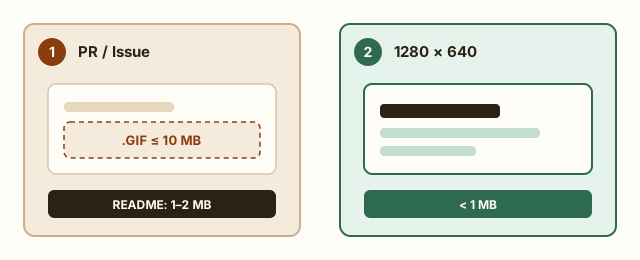
GitHub enforces a 10MB cap for images and GIFs attached to issues, pull requests, and comments, and a stricter under-1MB cap for repository social preview cards (recommended 1280×640px).
| GitHub location | Official limit | Best practice |
|---|---|---|
| Issue / PR / Comment attachment | 10MB for images & GIFs | Keep demos 1–3MB so reviewers load diffs fast. |
| README.md demo | 10MB if hosted via PR/Issue upload | Avoid committing big GIFs into git history; crop to active window. |
| Repository social preview | Under 1MB (1280×640px) | Use static PNG/JPG or a minimal <1MB GIF. |
Measured examples
Self-authored examples, processed with the same compression engine as this tool. Results vary with the source; these are not promises for your files.
Measurement data (JSON)| Target | Original | Actual size |
|---|---|---|
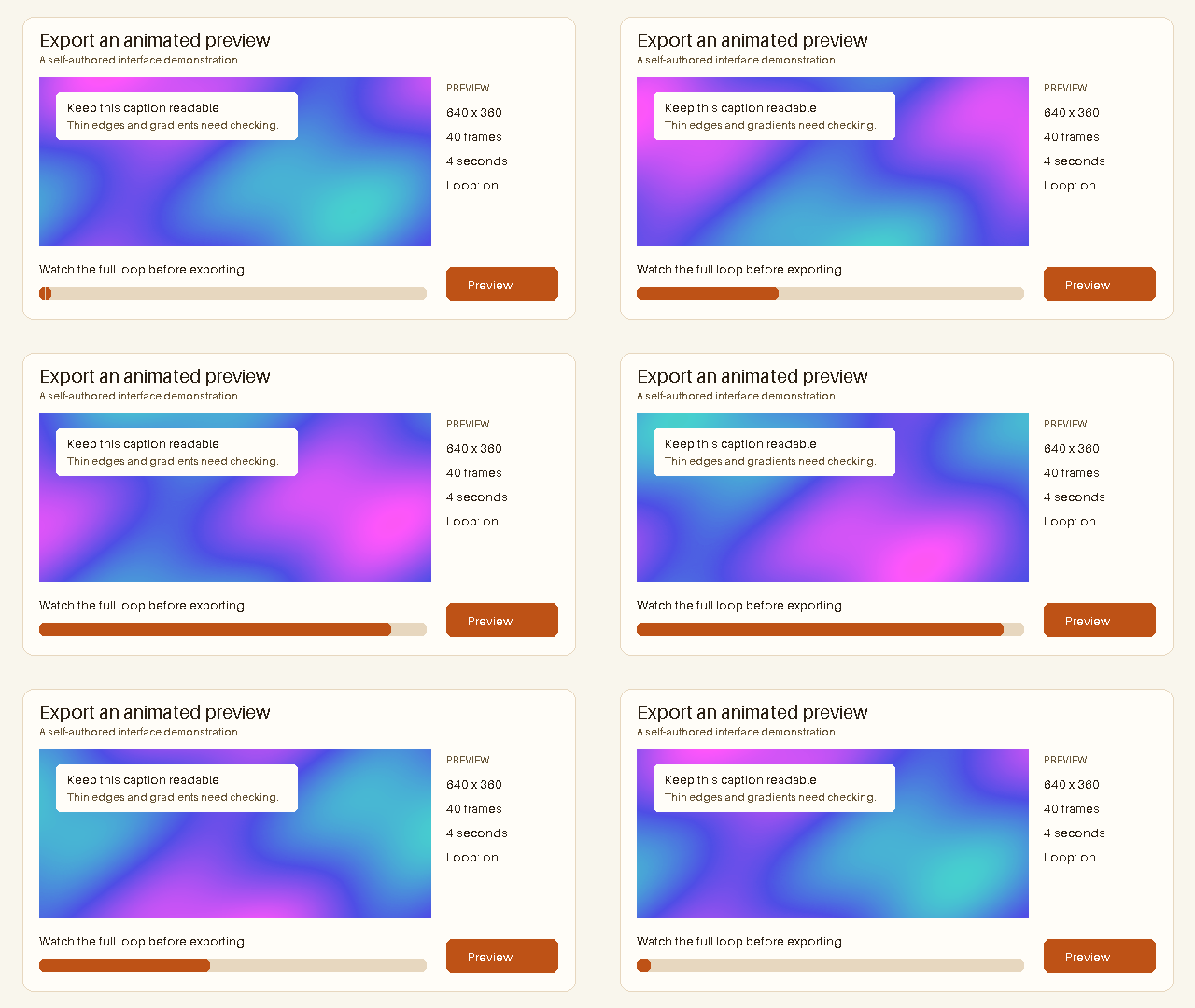
| Target: 1000 KB | 1,141,589 Bytes | 903,284 BytesTarget met |
| Cropped and shortened tutorial · Target: 1000 KB | 560,904 Bytes | 531,027 BytesTarget met |
Target: 1000 KB
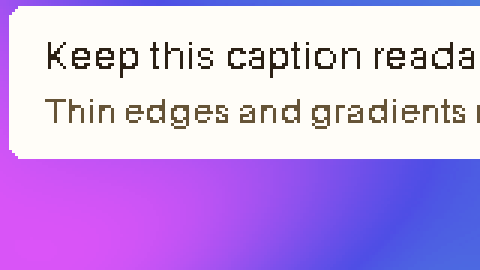
Original · 1,141,589 Bytes
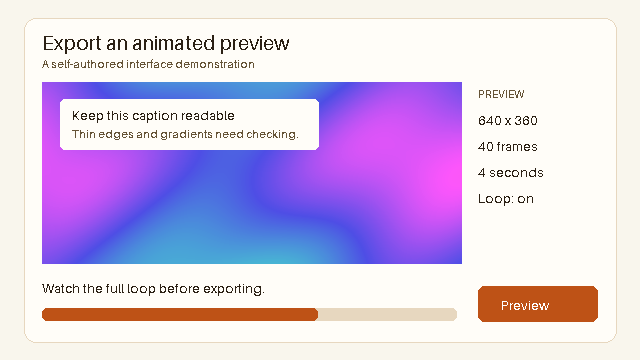
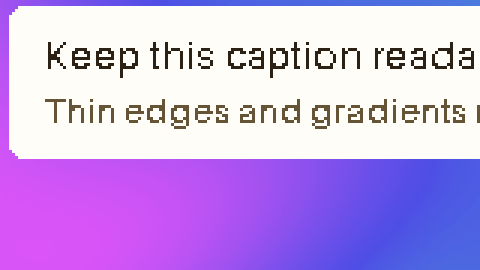
Output · 903,284 Bytes
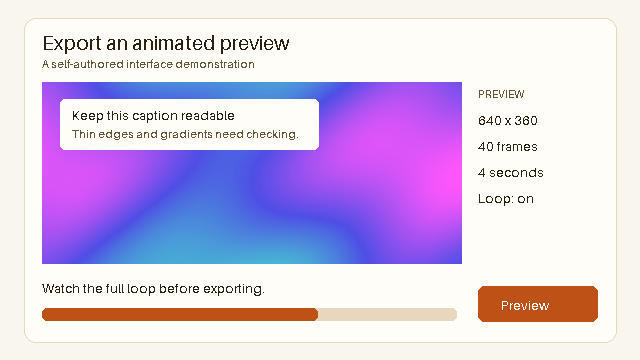
Dimensions: 640 × 360px
Frames: 40 · Duration: 4 seconds
Applied settings: 256 Maximum colors · Lossy level 20
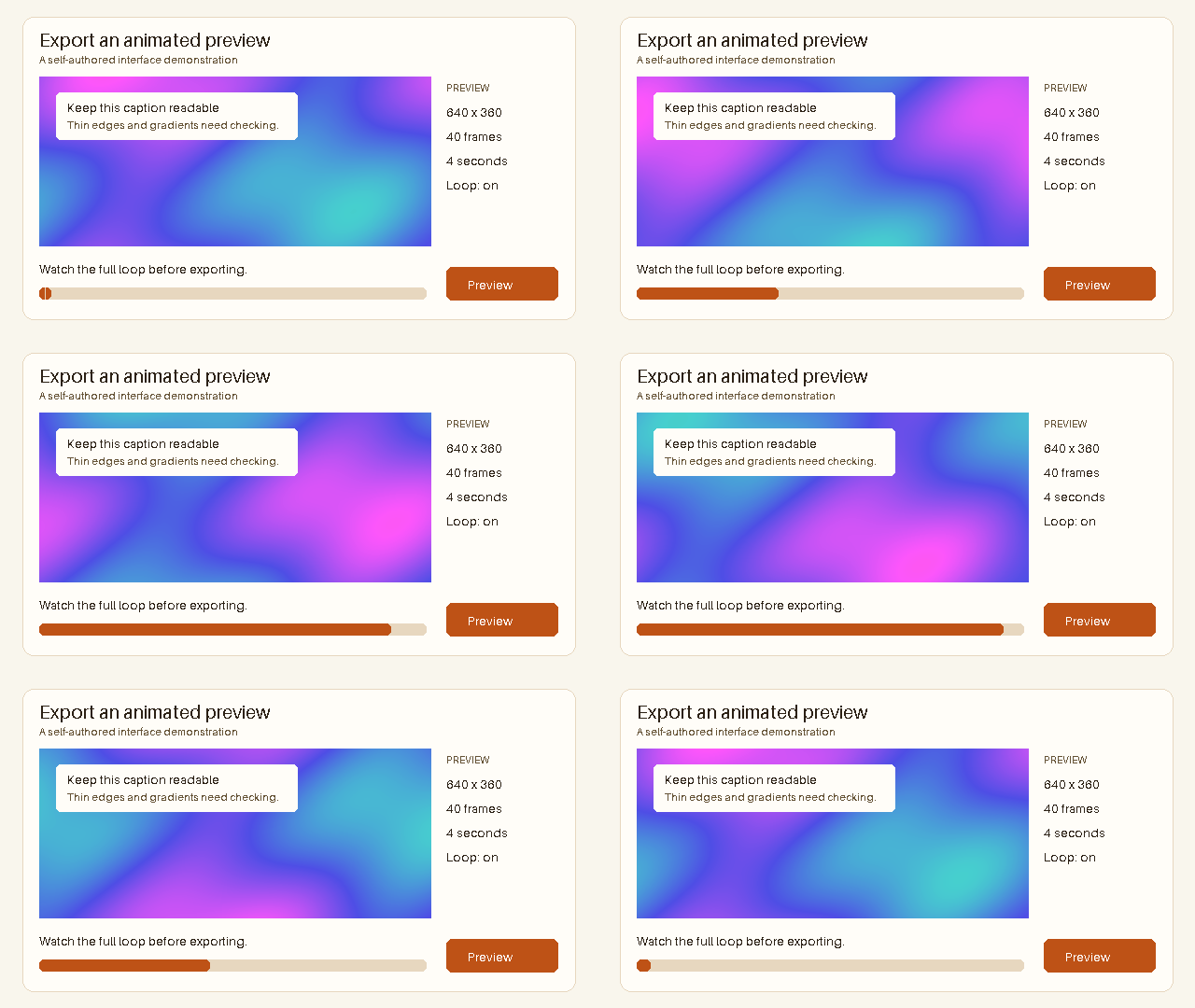
Inspect detail
Original
Output
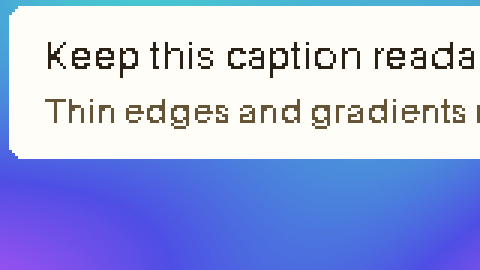
Cropped and shortened tutorial · Target: 1000 KB
Edited source · 560,904 Bytes
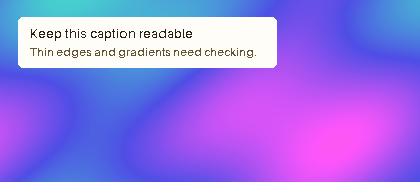
Output · 531,027 Bytes
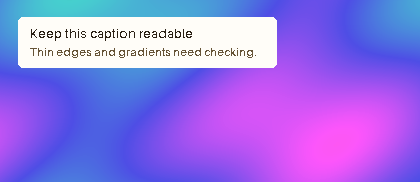
Dimensions: 420 × 182px
Frames: 20 · Duration: 2 seconds
Applied settings: 256 Maximum colors · Lossy level 0
Edited source: 640 × 360px · 40 Frames · 4 seconds → 420 × 182px · 20 Frames · 2 seconds
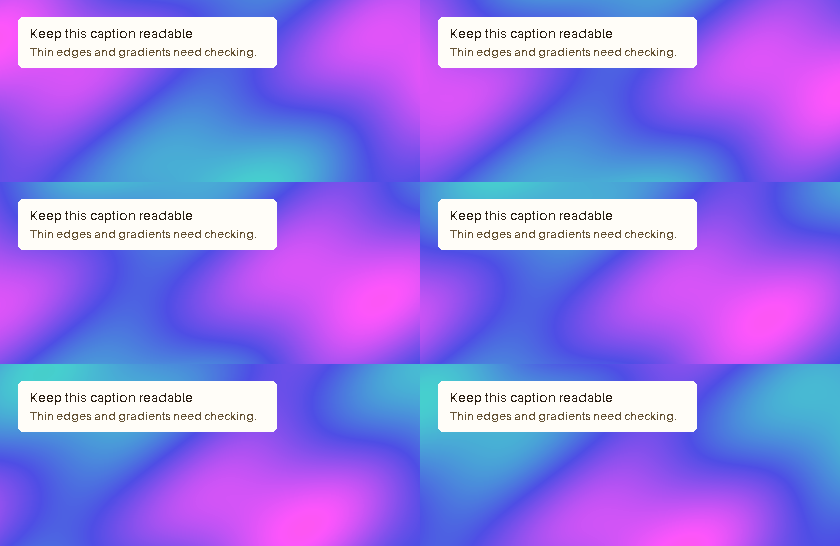
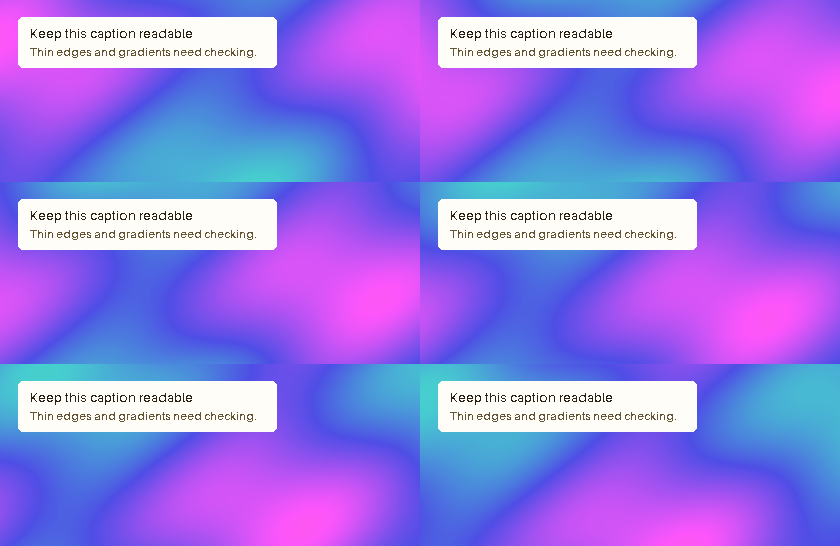
Inspect detail
Original
Output
Why you should not commit large GIFs into Git history
Every time you commit or replace an uncompressed 8MB GIF inside your repository, Git permanently stores it in packfiles, slowing down every future git clone and CI checkout.
Instead, compress your demo to 1–2MB, drag it into a GitHub issue or draft PR comment to generate a hosted GitHub user-attachments URL, and paste that Markdown link into README.md.
- Crop recording to the active editor or terminal window
- Trim idle typing pauses with Trim GIF
- Compress to 1–2MB while preserving crisp UI text
- Upload via GitHub drag-and-drop or automate in CI with REST API
How to keep code and terminal text readable in a 2MB GIF
Terminal and IDE recordings compress surprisingly well because most pixels stay static between frames. Resizing a 1440px screen down to 600px destroys 12px monospace fonts; cropping tightly to a 720px window preserves pixel-sharp text at half the file size.
Frequently asked questions
What is the maximum GIF size for GitHub issues and PRs?
GitHub allows up to 10MB for images and GIFs attached to issues, pull requests, and comments.
Why is my GitHub README GIF not loading or timing out?
GitHub Camo image proxy can time out on oversized external GIFs. Keeping README GIFs under 2–5MB ensures reliable rendering.
Can I compress GIFs automatically in GitHub Actions?
Yes. CompressGIF offers a free tier REST API (500 monthly credits, no card required) and an MCP server so CI pipelines or agents can compress demo GIFs automatically.
Should I use MP4 instead of GIF in GitHub READMEs?
GitHub supports drag-and-drop MP4 videos (10MB free, 100MB paid) in issues, PRs, and READMEs. Use GIF when you need instant looping without video controls, or convert long recordings to MP4.