
Prepare a GIF for your platform
Platform limits and recommended compression targets are different. Check the limit shown in your account before uploading.
WhatsApp separates chat media, animated stickers, and document attachments with different size and format rules.
|
Last verified:
How to use this tool
- Choose Chat GIF (2MB) or Animated sticker (500KB) above.
- Drop your GIF into the browser compressor—files stay on your device.
- Run compression, preview the full loop, and check the actual output bytes.
- Download and share in WhatsApp, or crop to 1:1 square first if making a sticker.
Chat GIF vs Animated Sticker vs Document: which route should you pick?
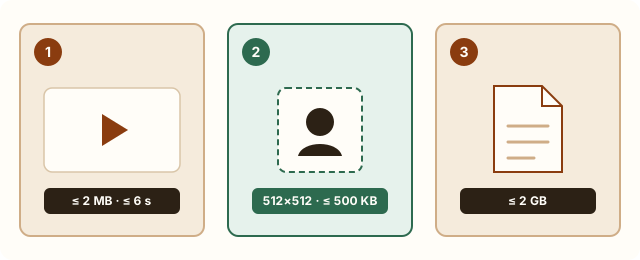
WhatsApp applies different limits depending on how you attach the file. Regular gallery media is automatically re-compressed for speed, custom animated stickers have a strict 500KB cap, and document attachments preserve original bytes up to 2GB.
| WhatsApp route | Official limit / spec | Best for |
|---|---|---|
| Chat GIF / short clip | Built-in video-to-GIF trims to 6s; media auto-compressed. | Quick reactions that auto-play inline in chats. |
| Custom animated sticker | Max 500KB, 512×512px, ≤10s. | Reusable sticker packs with crisp edges. |
| Document attachment | Up to 2GB, no media re-compression. | Sending full-quality source GIFs to colleagues. |
Measured examples
Self-authored examples, processed with the same compression engine as this tool. Results vary with the source; these are not promises for your files.
Measurement data (JSON)| Target | Original | Actual size |
|---|---|---|
| Target: 512 KB | 1,141,589 Bytes | 368,727 BytesTarget met |
| Cropped and shortened tutorial · Target: 1000 KB | 560,904 Bytes | 531,027 BytesTarget met |
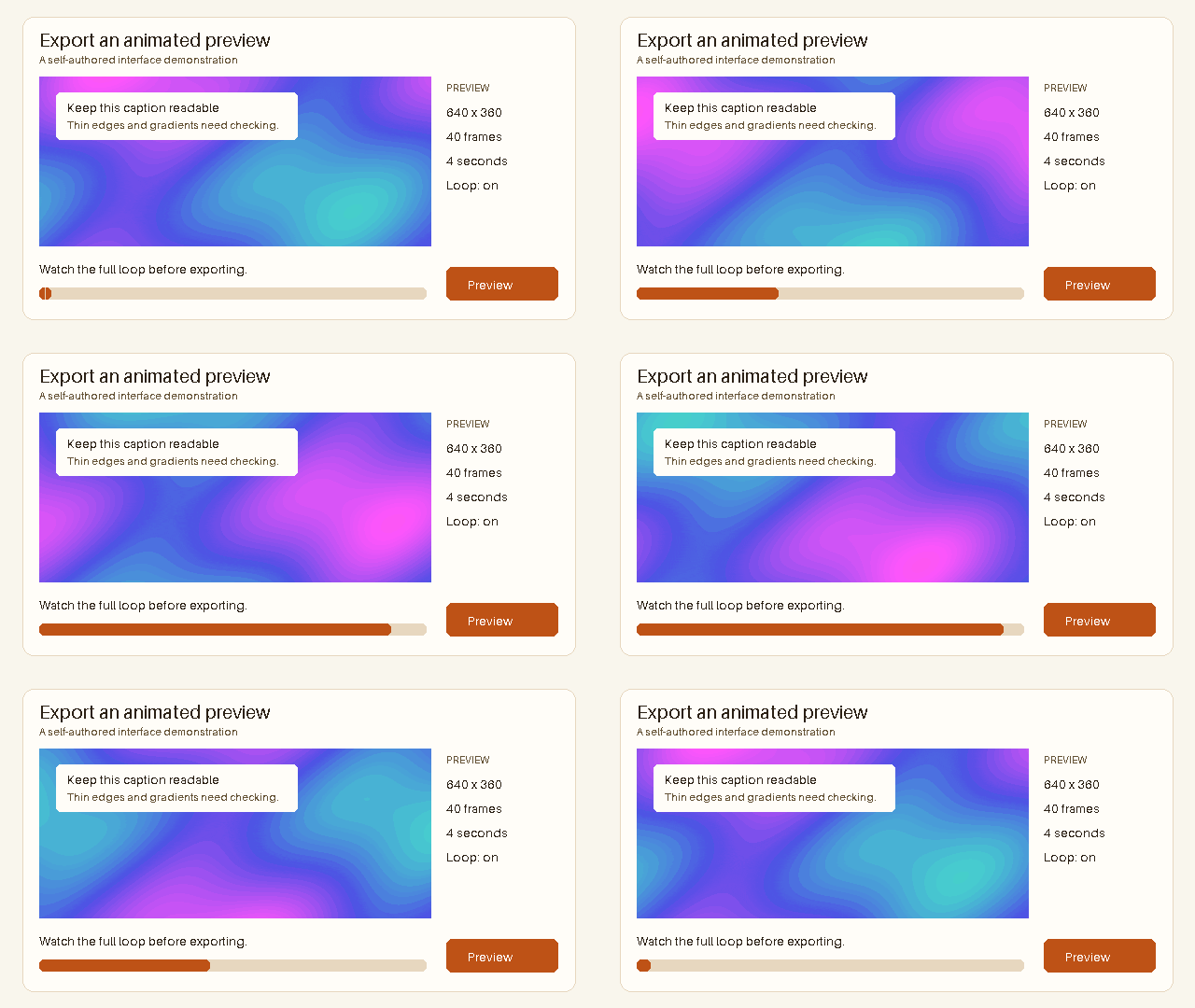
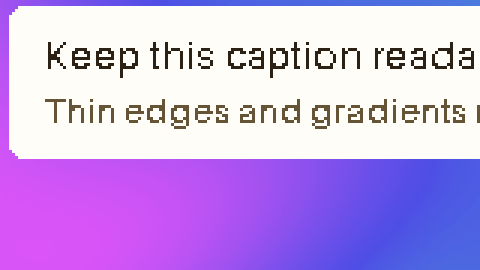
Target: 512 KB
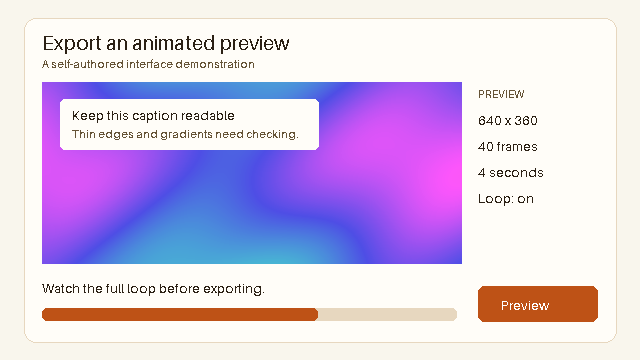
Original · 1,141,589 Bytes
Output · 368,727 Bytes
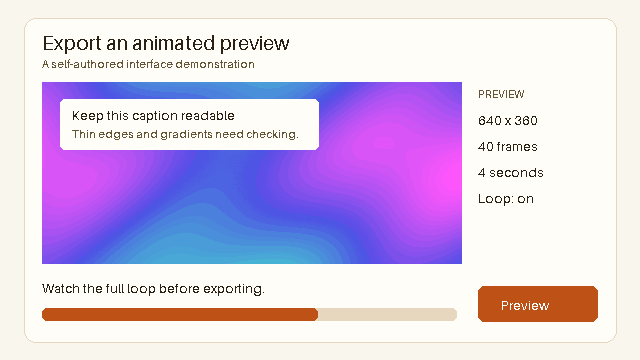
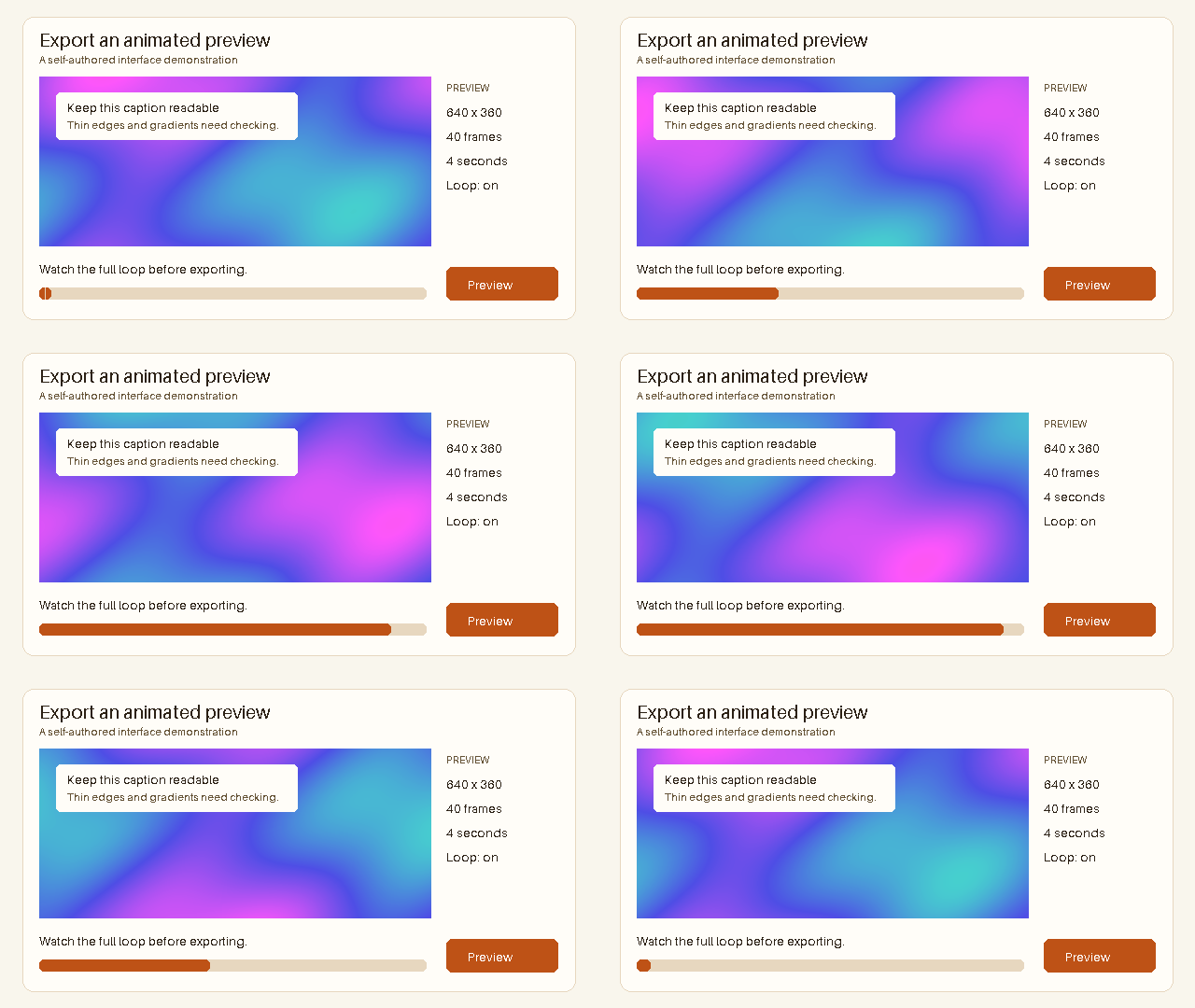
Dimensions: 640 × 360px
Frames: 40 · Duration: 4 seconds
Applied settings: 64 Maximum colors · Lossy level 165
Inspect detail
Original
Output
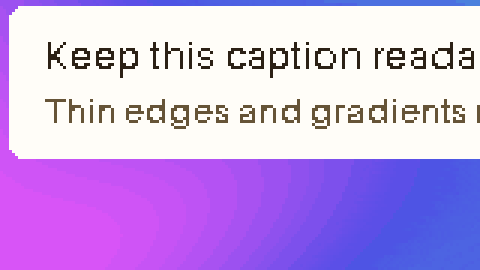
Cropped and shortened tutorial · Target: 1000 KB
Edited source · 560,904 Bytes
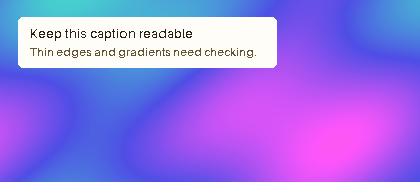
Output · 531,027 Bytes
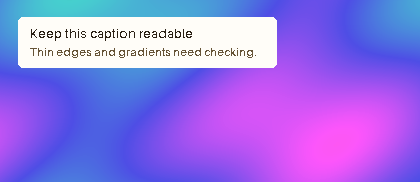
Dimensions: 420 × 182px
Frames: 20 · Duration: 2 seconds
Applied settings: 256 Maximum colors · Lossy level 0
Edited source: 640 × 360px · 40 Frames · 4 seconds → 420 × 182px · 20 Frames · 2 seconds
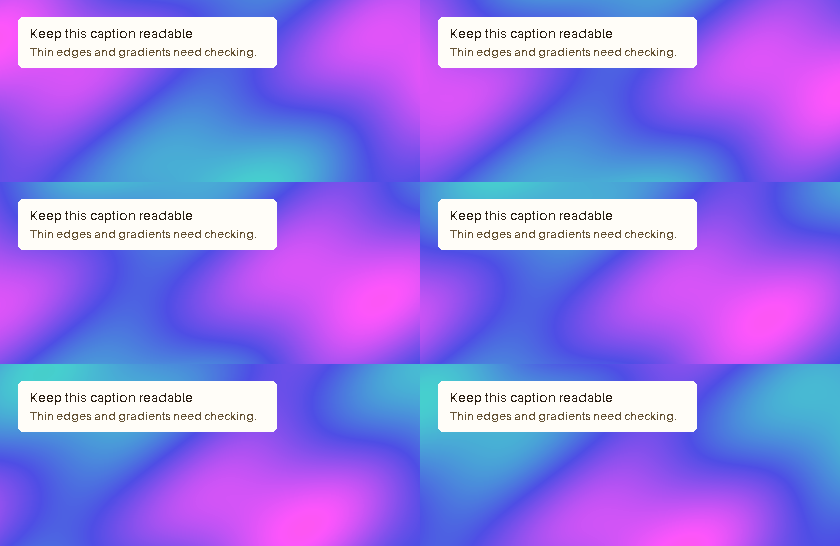
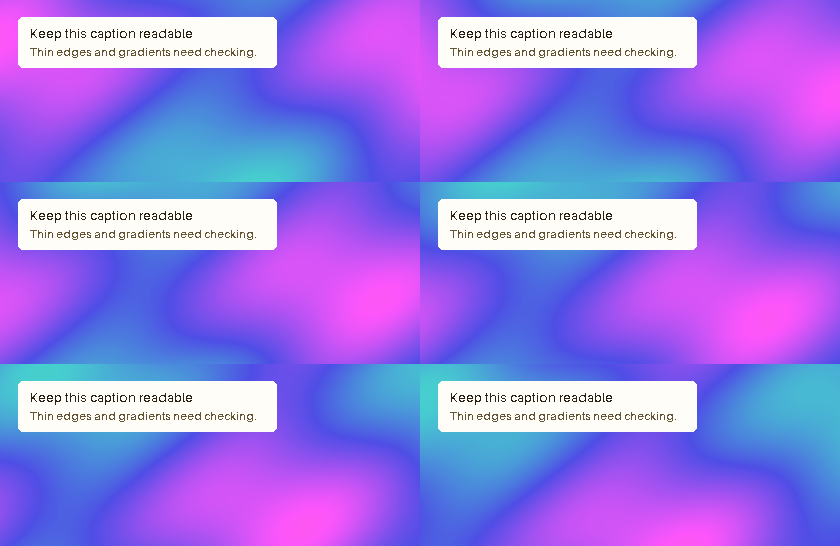
Inspect detail
Original
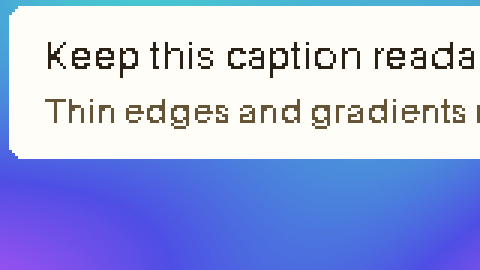
Output
Why does WhatsApp make my GIF blurry after sending?
When you send an oversized GIF through WhatsApp gallery, WhatsApp converts and re-compresses it heavily on the fly to save mobile data. Starting with a clean 1–2MB file at a sensible width (480–640px) gives WhatsApp much less reason to degrade fine text and edges.
If your clip is longer than 6 seconds or includes unused borders, trim and crop first rather than forcing extreme color loss.
How to prepare a WhatsApp animated sticker under 500KB
Sticker packs require exact 512×512 dimensions, at most 10 seconds, and a file size under 500KB. Most failures happen because the source is too long or has busy backgrounds.
- Crop subject into a 1:1 square
- Resize canvas to 512×512 pixels
- Trim animation to 2–4 seconds
- Compress with the 500KB preset and verify exact bytes
Watch tutorial video
Frequently asked questions
What is the maximum size for a WhatsApp animated sticker?
WhatsApp official guidelines specify a maximum of 500KB, 512×512 pixels, and no longer than 10 seconds.
Why did WhatsApp cut my GIF to 6 seconds?
WhatsApp built-in video-to-GIF feature trims videos to under 6 seconds. For longer animations, compress and trim intentionally before sending or send as a short MP4 video.
How can I send a GIF on WhatsApp without losing quality?
Compress it cleanly to 1–2MB first, or attach the GIF using the Document option (up to 2GB) so WhatsApp skips media re-compression.
Does this work on iPhone and Android browsers?
Yes. Compression runs locally in Safari and Chrome on mobile without uploading your private media.