
Why do transparent GIFs get white halos or jagged outlines?
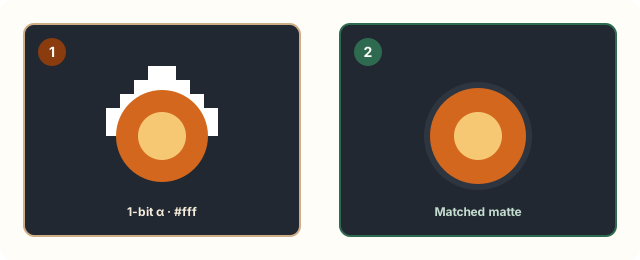
Unlike PNG or WebP, the GIF format has no semi-transparent pixels. When an anti-aliased graphic with soft edges is exported to GIF, semi-transparent border pixels are blended against a matte color (usually white). Placed on dark mode in Discord or Slack, those blended edge pixels stand out as a bright jagged halo.
Aggressive lossy compression or heavy color reduction can also shift edge pixels slightly, making transparent boundaries flicker between frames.
Measured examples
Self-authored examples, processed with the same compression engine as this tool. Results vary with the source; these are not promises for your files.
Measurement data (JSON)| Target | Original | Actual size |
|---|---|---|
| Small interface animation | 5,938 Bytes | 4,666 Bytes |
| Target: 256 KB | 1,141,589 Bytes | 363,491 BytesAbove target |
Small interface animation
Original · 5,938 Bytes
Output · 4,666 Bytes
Dimensions: 320 × 180px
Frames: 16 · Duration: 1.6 seconds
Applied settings: 256 Maximum colors · Lossy level 0
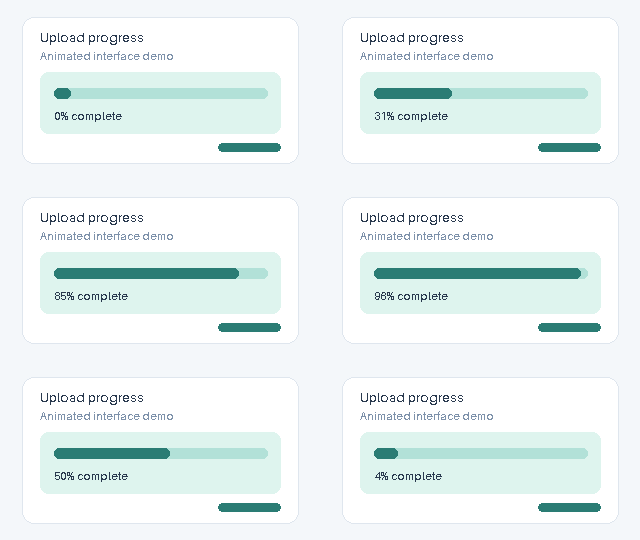
Inspect detail
Original
Output
Target: 256 KB
Original · 1,141,589 Bytes
Output · 363,491 Bytes
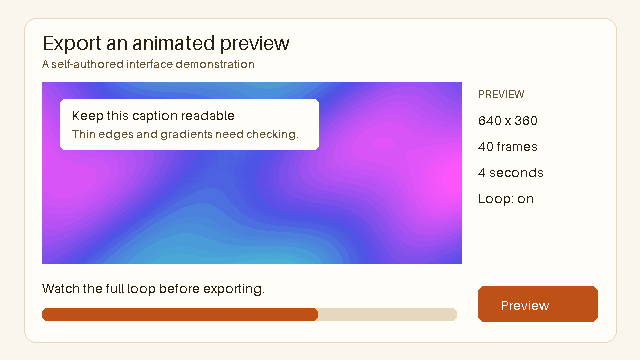
Dimensions: 640 × 360px
Frames: 40 · Duration: 4 seconds
Applied settings: 64 Maximum colors · Lossy level 200
Inspect detail
Original
Output
Step-by-step workflow to compress transparent GIFs cleanly
Before lowering colors aggressively, remove invisible empty space around the sticker and trim extra frames so the compressor has enough byte budget to preserve crisp edges.
- Export source with a matte matching your target background (e.g., dark gray for Discord)
- Crop transparent empty margins tightly around the subject
- Trim duplicate or long hold frames first
- Run gentle target-size compression and preview on both light and dark backgrounds
| Artifact you see | Root cause | Fix |
|---|---|---|
| White fringe in dark mode | Anti-aliased edges baked onto white matte | Re-export with dark matte or crisp hard edges |
| Flickering outline | High lossy level shifting border pixels | Use quality-first mode or higher byte budget |
| Tiny unreadable sticker | Shrunk too far instead of cropping | Crop empty transparent padding first |
When to switch from transparent GIF to Animated WebP
If your animation has drop shadows, glowing effects, or smooth semi-transparent fades and will appear on both light and dark themes, GIF 1-bit transparency will always struggle. Animated WebP supports full 8-bit alpha transparency at smaller file sizes.
Frequently asked questions
Does CompressGIF preserve GIF transparency?
Yes. CompressGIF uses Gifsicle 1.96, which preserves existing transparent pixels and frame disposal methods.
Can CompressGIF remove a solid background from a GIF?
No. The compressor optimizes existing GIFs; background removal must be done in your design or video editor before exporting.
Why did my transparent GIF turn black in some apps?
Some apps or viewers render transparent canvas areas as black when converting GIF to video. Always test the compressed GIF in the actual target app.