
Prepare a GIF for your platform
Platform limits and recommended compression targets are different. Check the limit shown in your account before uploading.
| Shopify | Shopify checks both file size in megabytes and pixel resolution in megapixels for product and theme images.
|
|---|
Last verified:
How to use this tool
- Drop your product or banner GIF into the tool with the 2MB target selected.
- Compress locally in your browser and check both file size and visual sharpness.
- Preview product textures, labels, and loop smoothness at mobile width.
- Download and upload to Shopify Product Media, Pages, or Theme Editor.
Why does Shopify reject a GIF that is smaller than 20MB?
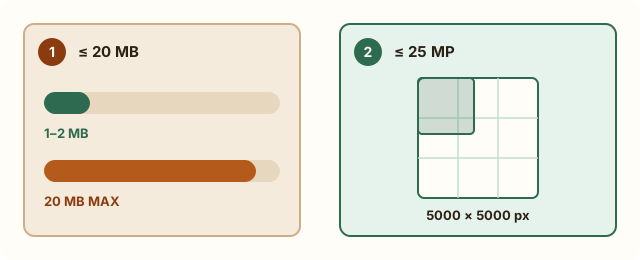
Shopify enforces two separate upload caps: file size (20MB) and pixel resolution (25 megapixels, or 5000×5000px). Even if your GIF is only 6MB, Shopify can show a file-too-large error when its pixel dimensions exceed the megapixel ceiling.
Resizing product GIFs to 800–1200px wide resolves megapixel rejections and dramatically improves mobile storefront Largest Contentful Paint (LCP).
| Shopify placement | Official limit | Recommended storefront target |
|---|---|---|
| Product gallery GIF | 20MB / 25MP | 1–2MB, 800–1000px wide, 3–5 seconds |
| Homepage hero / banner | 20MB / 25MP | Under 2MB or convert to MP4 video |
| Email / popup badge | 20MB / 25MP | Under 500KB–1MB for instant load |
Measured examples
Self-authored examples, processed with the same compression engine as this tool. Results vary with the source; these are not promises for your files.
Measurement data (JSON)| Target | Original | Actual size |
|---|---|---|
| Target: 1000 KB | 1,141,589 Bytes | 903,284 BytesTarget met |
| Cropped and shortened tutorial · Target: 1000 KB | 560,904 Bytes | 531,027 BytesTarget met |
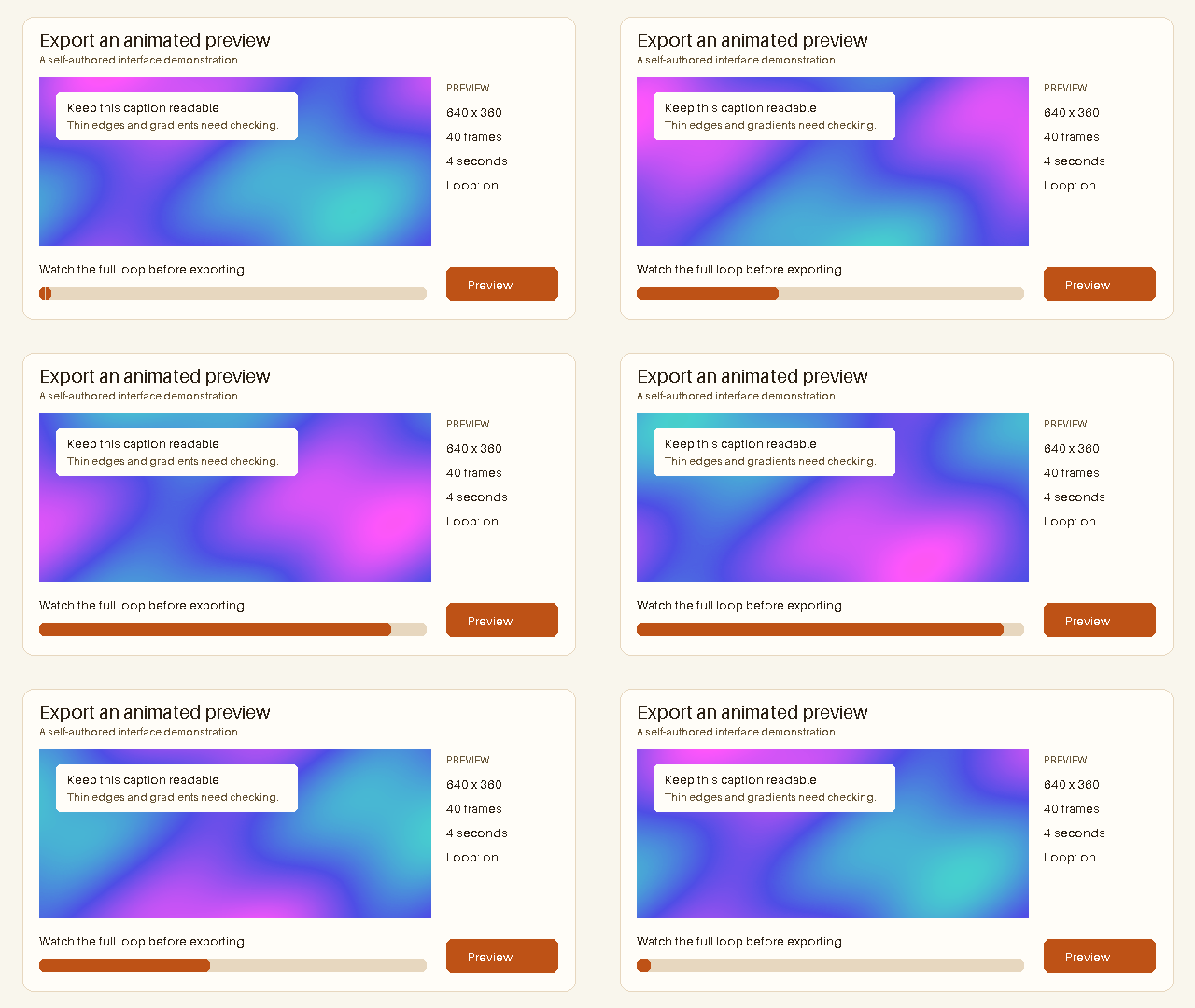
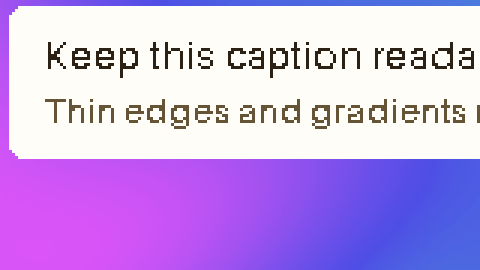
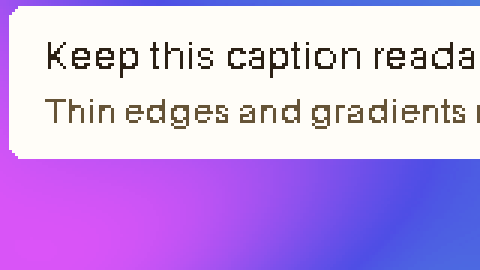
Target: 1000 KB
Original · 1,141,589 Bytes
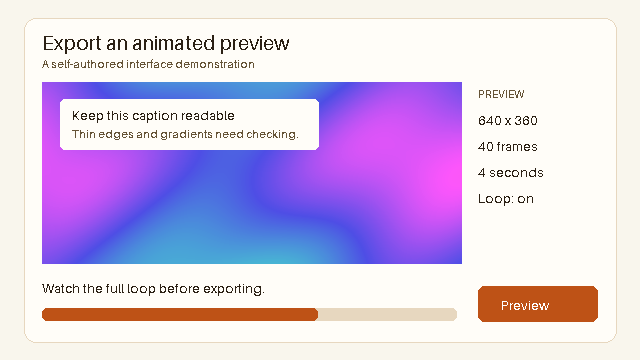
Output · 903,284 Bytes
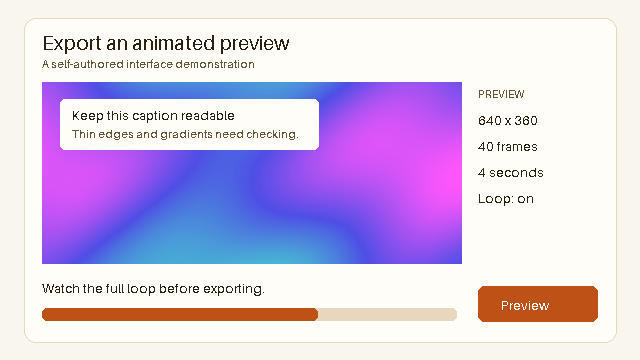
Dimensions: 640 × 360px
Frames: 40 · Duration: 4 seconds
Applied settings: 256 Maximum colors · Lossy level 20
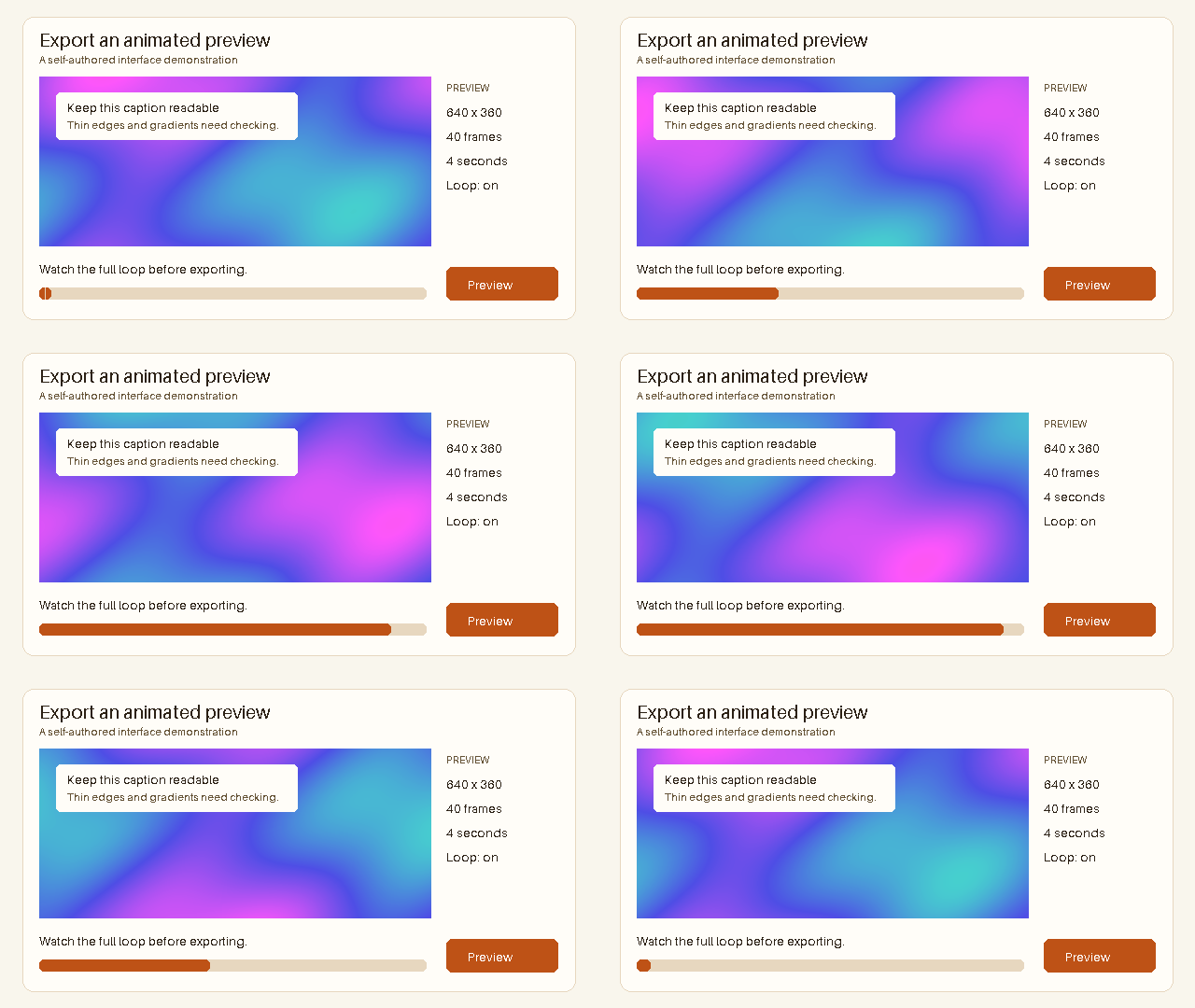
Inspect detail
Original
Output
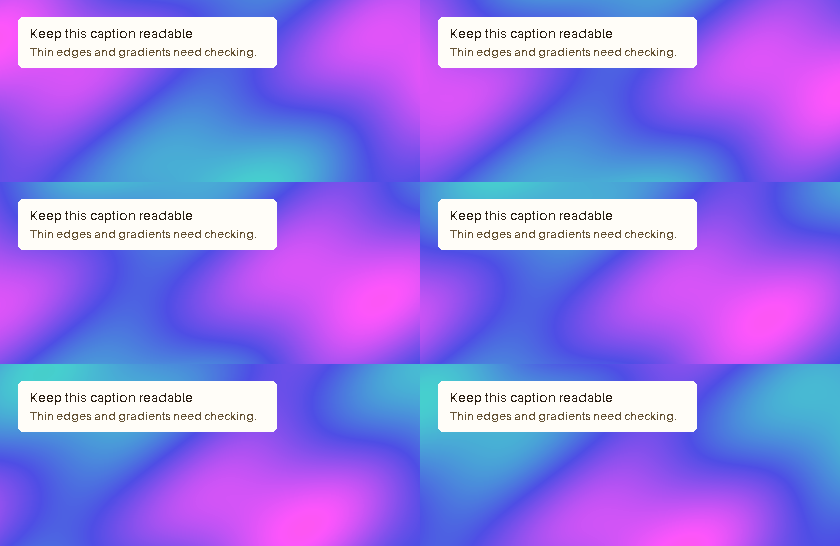
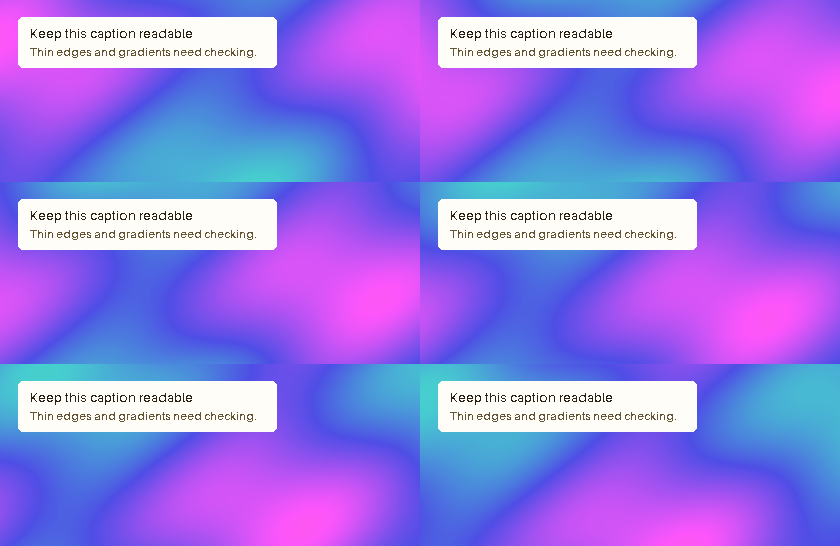
Cropped and shortened tutorial · Target: 1000 KB
Edited source · 560,904 Bytes
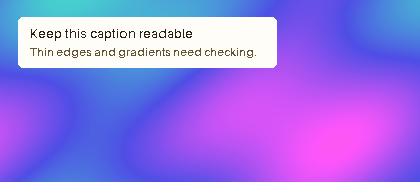
Output · 531,027 Bytes
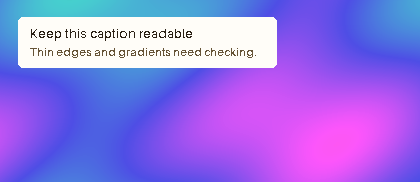
Dimensions: 420 × 182px
Frames: 20 · Duration: 2 seconds
Applied settings: 256 Maximum colors · Lossy level 0
Edited source: 640 × 360px · 40 Frames · 4 seconds → 420 × 182px · 20 Frames · 2 seconds
Inspect detail
Original
Output
When should a Shopify store use WebP or MP4 instead of GIF?
GIF is limited to 256 colors per frame, which causes color banding on skincare gradients, apparel fabrics, and lifestyle photography. Shopify supports animated WebP images and MP4 product videos (up to 1GB / 10 minutes).
Use compressed GIFs for short UI/feature callouts or icon loops; switch to animated WebP or MP4 for rich photography.
Fast checklist for high-converting Shopify product GIFs
Shoppers on cellular connections abandon slow product pages. Keep every product loop focused on one clear benefit—like a zipper glide, texture swatch, or folding mechanism.
- Trim clip to a single 3–5 second product action
- Resize width to 800–1000px to stay well below 25MP
- Compress to 1–2MB and inspect fabric/text details
- Test load speed on a mobile preview before publishing
Frequently asked questions
What is Shopify maximum GIF file size?
Shopify allows image and GIF uploads up to 20MB and 25 megapixels (5000×5000px).
Why did Shopify say my 5MB GIF is too large?
Your GIF likely exceeds Shopify megapixel limit (25MP). Resize the pixel dimensions first, then compress.
Will a large GIF hurt my Shopify SEO and page speed?
Yes. Heavy GIFs delay Largest Contentful Paint (LCP) on mobile. Keeping product GIFs under 1–2MB—or converting long demos to MP4/WebP—protects storefront speed.
Can I batch compress multiple product GIFs?
Free users can process 3 GIFs per batch (up to 10MB each). Pro supports up to 50 GIFs per batch (up to 50MB each) with ZIP download.